Two panes, one view
Browse the feed while an article stays open beside it.
RSS & news reader · iOS + Android
Follow the sources you love in one personal feed. Built for phones, tablets, and foldables, with clean reading and tools to keep up with what matters.
Free to read. No account required. Optional one-time ad removal.
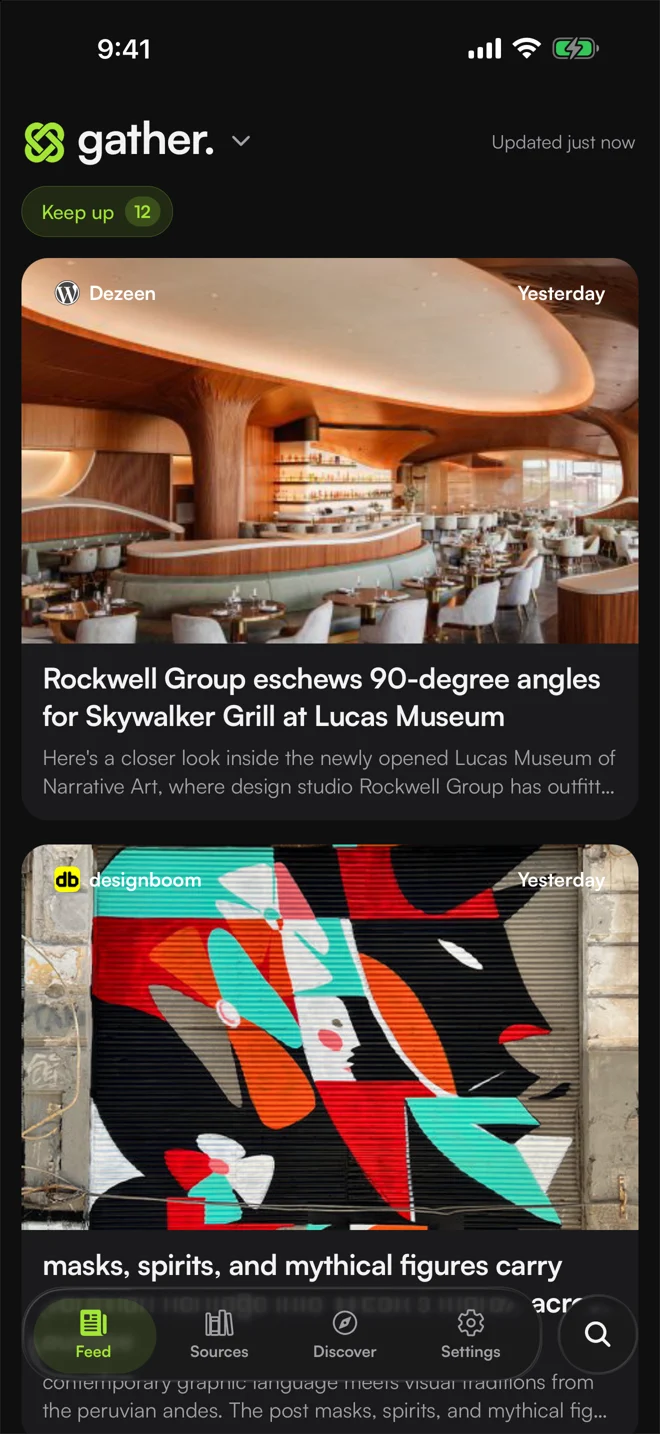
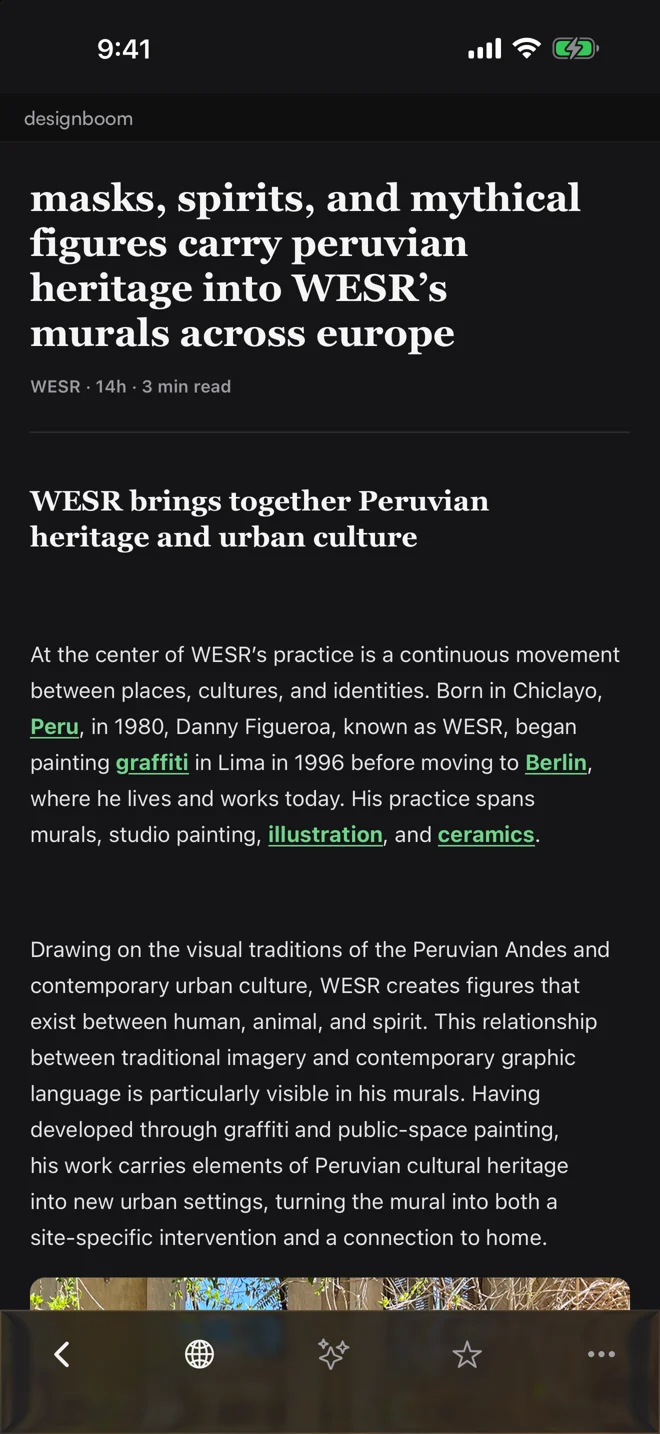
01 / Optimized for larger screens
Gather makes use of the extra room. Keep your feed and the article open together, with a layout you can adjust.
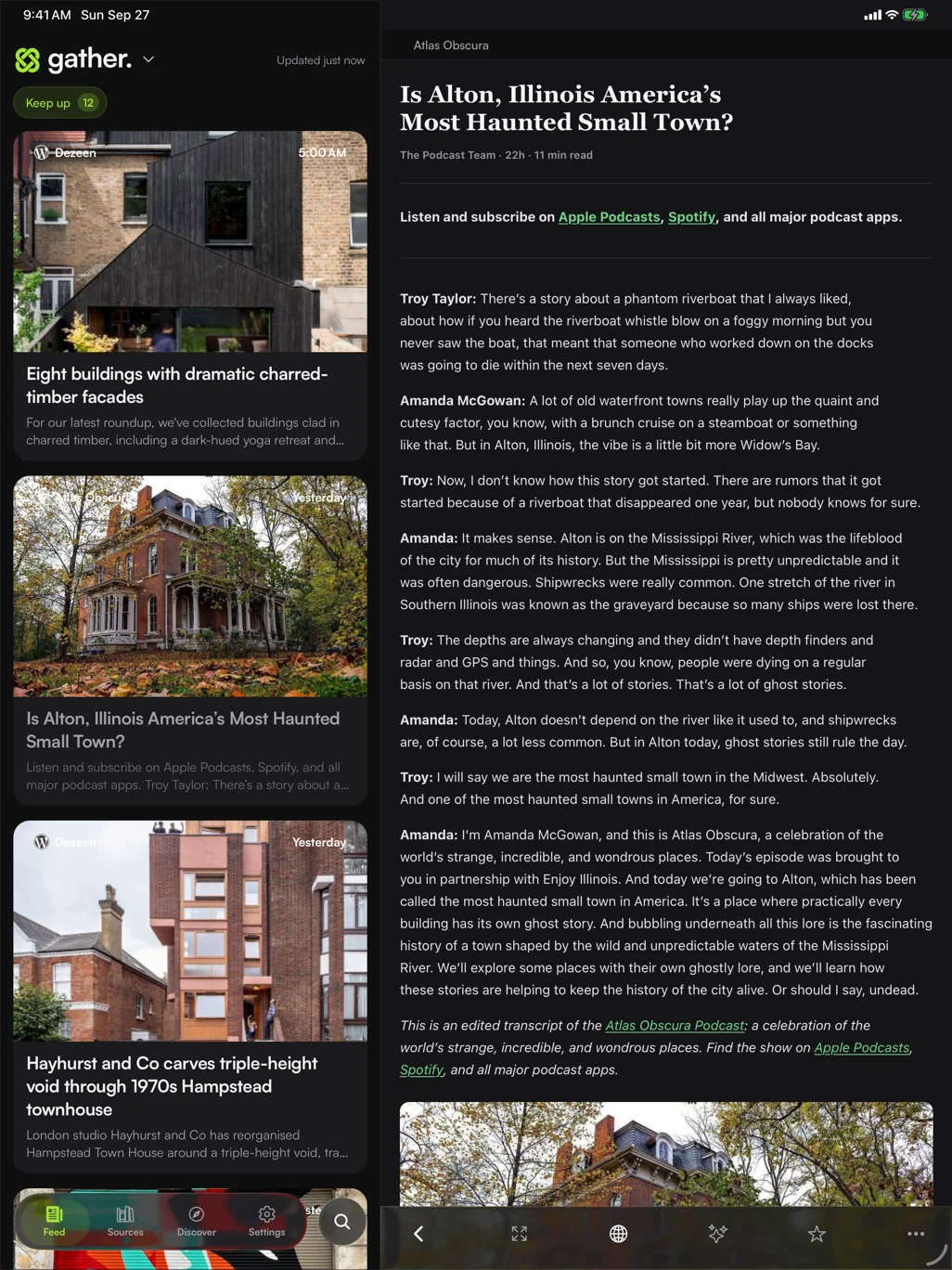
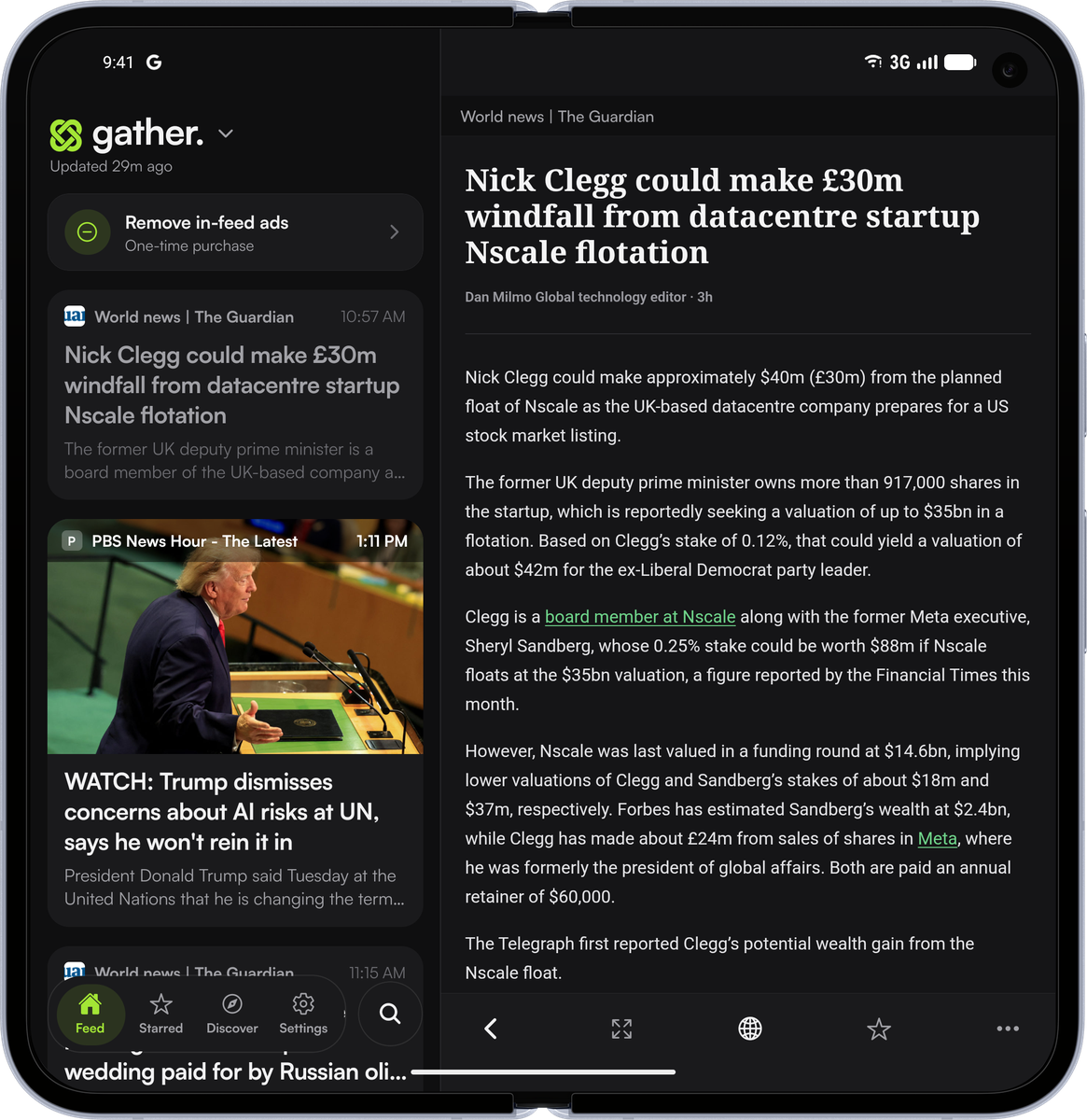
Browse the feed while an article stays open beside it.
Put the feed on either side and adjust the pane widths.
Hide the feed when you want the reader to fill the screen.
02 / A feed you choose
Browse everything you follow, or track new articles from the sources you never want to miss.
A stream of the sources you follow. Browse when you feel like it, without an unread count waiting for you.
Already have your favorite feeds? Bring them over with OPML import.
03 / Settle into the story
A comfortable reader puts the article first. Set the type and theme to suit you, with the publisher’s original page always one tap away.
Prepare articles for offline reading and build a queue before you head out.
Adjust the typeface and size. Switch between light and dark themes.
Search the titles, summaries, and article text already stored on your device.
Translate supported articles on your device after downloading a language pack.
More ways to make it yours
From finding a source to finding a story again, Gather goes beyond a list of headlines.
Add RSS feeds and discover supported YouTube channels, subreddits, Bluesky and Mastodon accounts, and newsletters.
Build views from the sources you choose or a phrase like “battery recalls.” Group coverage of the same story to reduce repeat headlines.
Star useful stories, prepare articles for offline reading, and search the article text already saved on your device.
Have articles read aloud with your device’s text-to-speech voices.
Translate supported articles on your device after a language download. Switch back to the original whenever you want.
Use a supported on-device model, or explicitly opt in to cloud summaries. Cloud mode sends article titles and text to an AI service; it’s optional.
04 / Start reading, skip the signup
Open Gather, choose your sources, and start reading. Your subscriptions and saved articles live on your device.
Import and export subscriptions with OPML, or create a fuller Gather backup whenever you want.
Optional sync uses iCloud on iOS and Google Drive on Android. Each works within its own platform.
On-device summaries use a supported local model. Optional cloud summaries send article titles and text to an AI service only after you explicitly opt in. Read the privacy details.
Good to know
Free core reading, practical tools, and clear choices about the extras.
Need a hand? Get supportYes. Core reading, search, OPML, export, offline tools, and on-device features are free. An optional one-time purchase removes Gather’s in-feed sponsored cards. The price is shown in your app store before you buy; it can vary by region. Optional tips and support purchases are also available where supported.
Publications and blogs with RSS feeds, plus supported YouTube channels, subreddits, Bluesky and Mastodon accounts, and newsletters. Discover helps you find sources; you can also add a feed or import an OPML file.
Gather uses feed content first and prepares a clean reading view when it can. Publisher sites, paywalls, and JavaScript-heavy pages can limit extraction. A retry and the publisher’s live page remain available. Removing Gather’s ads does not remove ads on publisher pages.
No. Follow feeds and read articles without enabling summaries or sync. Cloud summaries are off until you explicitly allow them. When enabled, article titles and text are sent through CodeNest’s Cloudflare service and OpenRouter to an AI provider. You can turn them off in Settings.
iCloud sync works between your iOS devices; Google Drive sync works between your Android devices. These services do not sync across platforms. You can transfer subscriptions with OPML or use Gather’s backup tools.
Download Gather. Add your favorite sources. Make yourself at home.